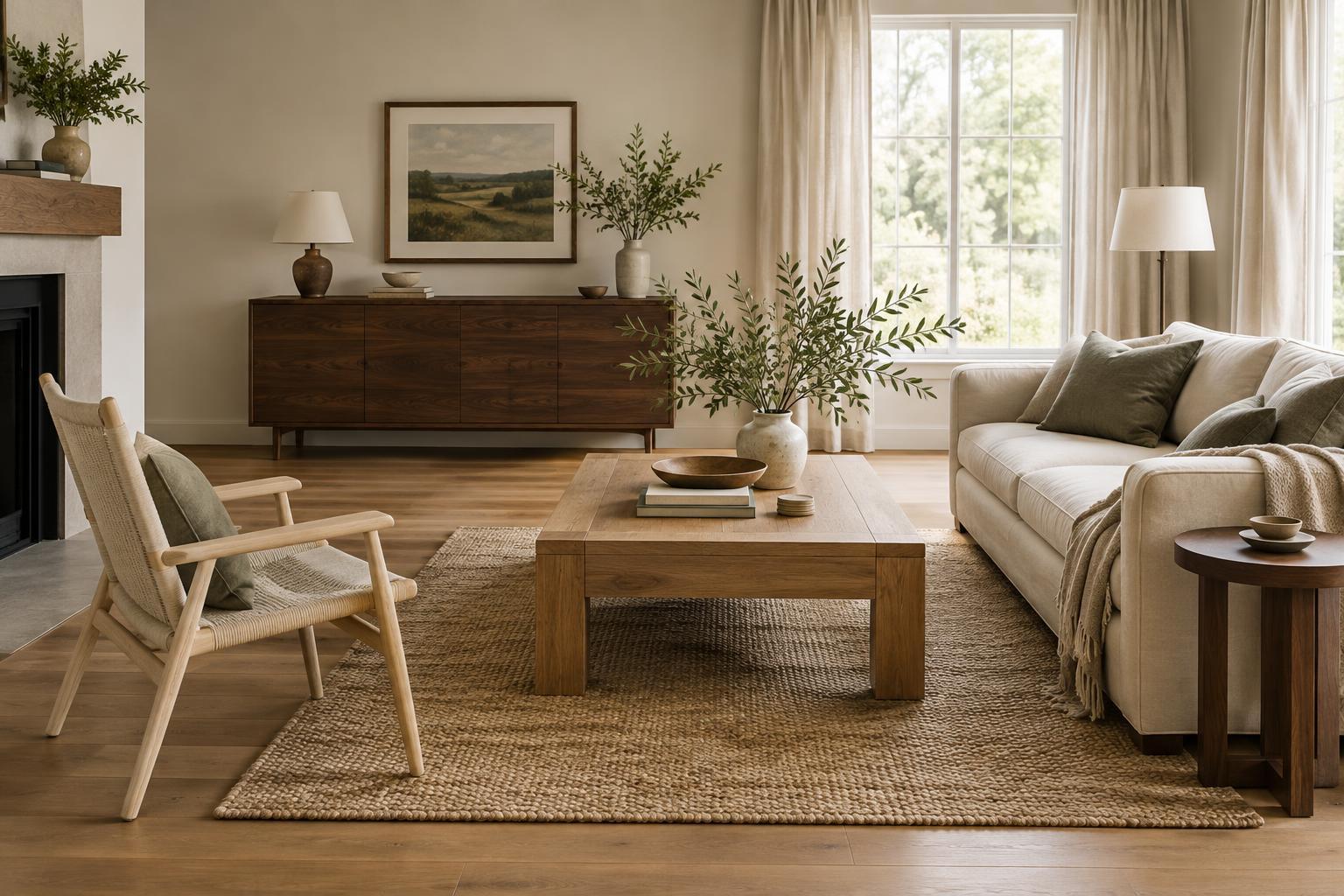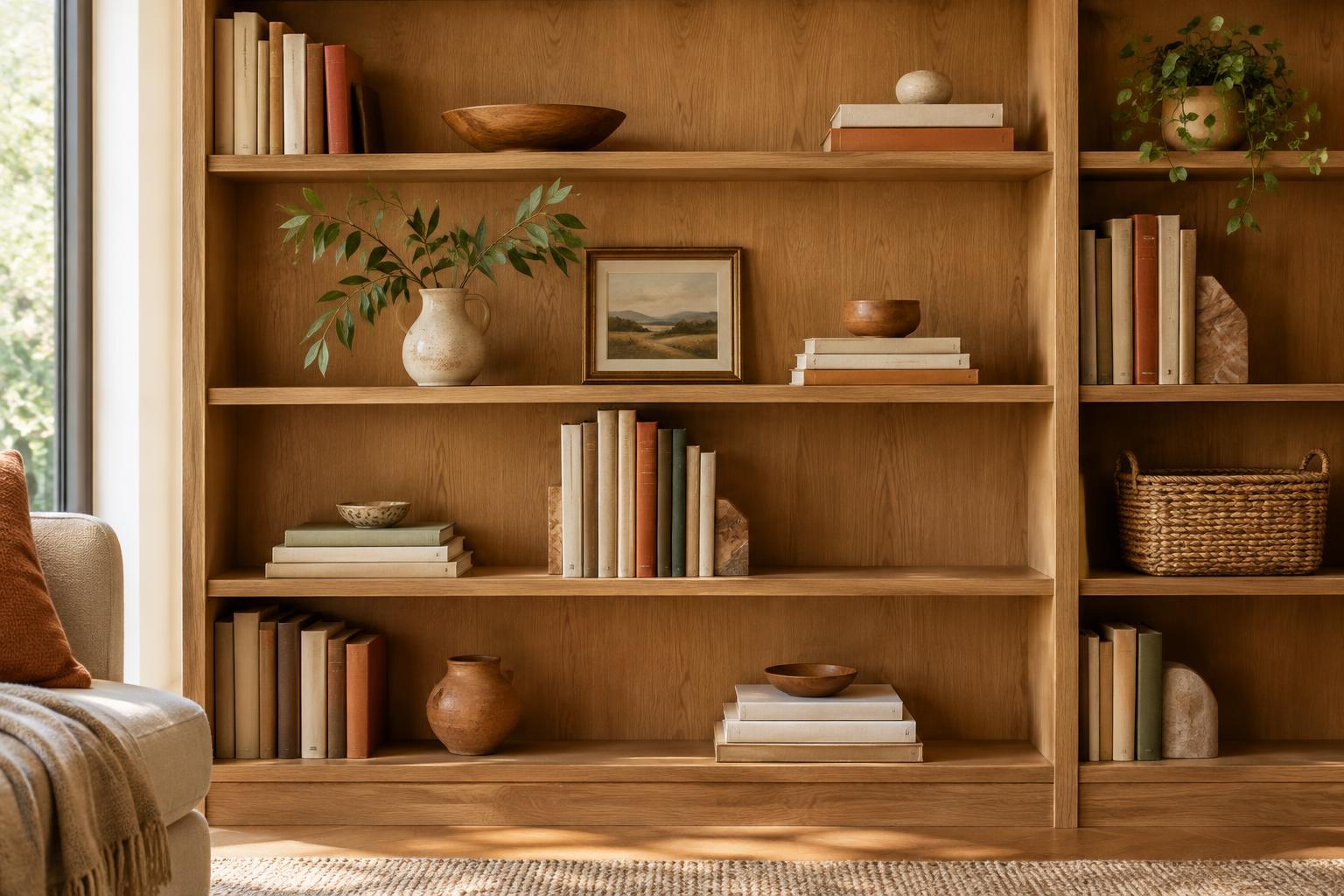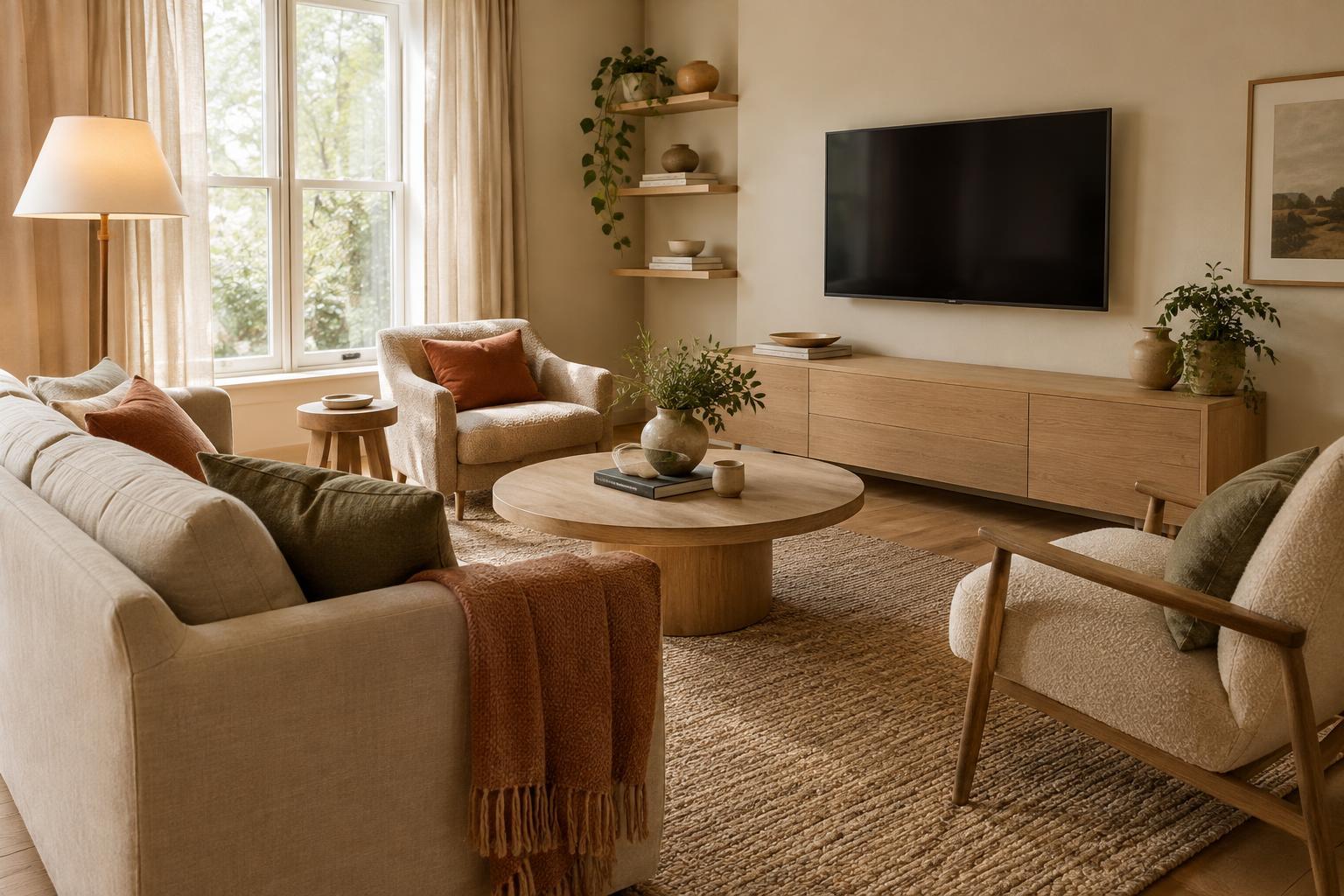
Start with what the room needs to do
Before moving furniture, think about how the room is used when the television is off. Is it a place for conversation, reading, games or quiet evenings? Those activities deserve space in the layout too. Choose a main seating area that feels comfortable for everyday use, then check whether people can watch the screen from it without awkwardly turning their heads. The goal is not to hide the television at any cost, but to keep it from making every chair face one wall.
If you have a choice of walls, look at doorways, windows and walking routes first. A screen placed where people pass in front of it may be distracting; one directly opposite a bright window may be harder to see at certain times of day. Try a few arrangements on paper, or mark the likely positions of larger pieces on the floor, before lifting anything heavy.
Give seating more than one direction
A sofa does not always need to sit squarely opposite the screen. In a room with enough width, placing it slightly off-center can make the arrangement feel less rigid while preserving a clear view. An armchair angled toward both the sofa and the television creates a conversational grouping. A swivel chair is another flexible option: it can face the room most of the day and turn toward the screen when needed.
Keep a usable route around the seating rather than filling every gap with a chair or side table. If the room is small, a compact sofa and one movable chair may serve you better than a large sectional aimed at the television. Pulling furniture a little way from the walls, where space allows, can also help define a gathering area instead of making the screen wall the room’s sole anchor.
Choose a screen wall with visual balance
The furniture beneath a television can change how prominent it feels. A low, substantial console gives the screen a visual base and provides room for devices, games or other items you would rather store. Choose a piece wide enough to look balanced beneath the screen without crowding the wall. Closed storage can be especially useful if small objects tend to collect in the living room.
You do not need to surround the television with a dense gallery of pictures. A few pieces with varied shapes, a stack of books or a plant on the console can soften the arrangement without creating clutter. If the television shares a wall with shelves, leave some open space around the screen so the whole wall can breathe. Repeating a wood tone or color from elsewhere in the room helps the media area feel connected to the rest of the furniture.
Use lighting and textiles to shift the mood
When the television is off, lighting can draw attention to other parts of the room. A floor lamp beside a reading chair, a table lamp near the sofa or a gentle light on a bookcase gives the eye somewhere else to rest. Consider how lamps appear from the main viewing seats, and avoid placing a bright exposed bulb where it will reflect in the screen.
Textiles help the seating group feel like a living space rather than a viewing station. A rug can connect the sofa, chairs and coffee table; curtains can soften a window wall; and cushions can bring color from the far side of the room into the arrangement. These pieces need not match. A limited palette and a mix of textures are often enough to make separate furniture pieces feel considered.
Finish with the details that make the layout livable
Check the arrangement from each seat and from the doorway. Can people talk comfortably without calling across the room? Is there a place to set down a drink? Can everyone move through the space without stepping around cords? Cable management, an accessible outlet and storage for remotes are modest details, but they help the television recede into an orderly room.
Live with the layout for a few evenings before treating it as final. You may find that a chair needs to rotate, a lamp needs to move or the coffee table sits too far from the sofa. Small adjustments are often more useful than buying a new piece. A room that accommodates watching, hosting and quiet time will feel centered on the people who use it, not on the screen.